King Rugni Tower Conquest Unblocked — Play Free Online
More Tower Defense & Strategy games


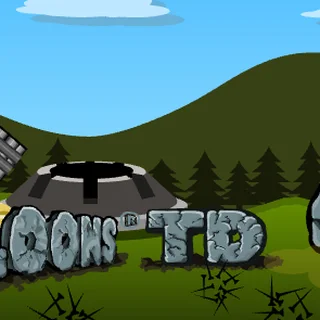



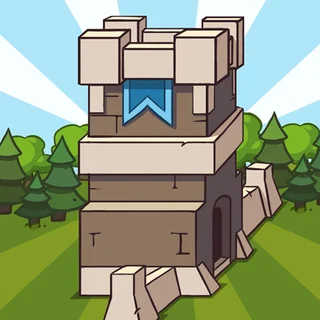



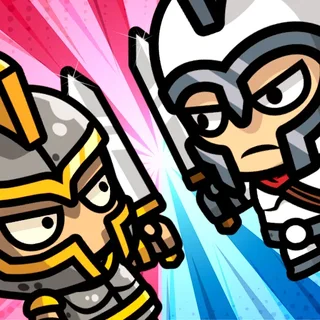
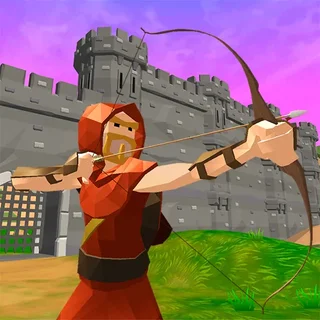
King Rugni Tower Conquest unblocked: play King Rugni Tower Conquest online free right here in your browser — no download, no sign-up, works on a school Chromebook.
King Rugni Tower Conquest mixes two ideas that usually live apart. Like a classic tower defense game, you place dwarf-themed towers to hold your side of the map. Like a lane battle, you also send troops of your own toward the enemy keep, so the match is not only about surviving waves but about pushing back.
If you came to this site for Bloons Tower Defense 3, the core rhythm will feel familiar: spend money, place something useful, start the action, watch it play out, then spend again. The difference is that here you are attacking as well as defending, which changes how you budget. Every coin put into a tower is a coin not spent on troops.
It runs in the browser with nothing to install, and a whole session is played with the mouse, which suits a Chromebook or a laptop trackpad fine.
How to play
Choose a tower or unit from the bar, then click the spot where it should go. When your setup looks right, start the wave or the battle and watch how it unfolds. Between waves, put what you have earned into upgrades.
- Towers are your fixed defence. Once placed they do the work on your side of the map.
- Troops are what you send toward the enemy keep to apply pressure.
- Upgrades are bought with earnings between waves and carry your setup through the harder ones.
Tips
- Do not spend everything in one go. Holding a little back lets you respond to what the next wave actually brings.
- Upgrading a tower that is already working is usually a better use of money than adding a weaker one beside it.
- Watch the first wave or two closely. Seeing where the enemy gets through tells you where the next tower belongs.
- Balance both sides: a strong defence buys you time, but only troops that reach the keep can end the match.
Similar games on Bloons Tower Defense
For pure tower defense with no attacking side, Bloons Tower Defense 3 and Bloons TD 4 Expansion are the natural next steps. Castle Defender Saga also puts a stronghold at the centre. For other lane-style strategy on this site, Clash of Skulls, Tower Crush and War of Sticks are worth a look, each with its own take on sending forces across the map.
It suits short sessions well: a single wave-and-upgrade cycle is quick, so you can play a few rounds and stop at any point.
Questions about King Rugni Tower Conquest
Is King Rugni Tower Conquest unblocked at school?
King Rugni Tower Conquest runs in an ordinary browser tab from bloonstowerdefense.org, with nothing to download or install, so it plays on most school Chromebooks and work computers. If a network filter blocks the site, only that network's administrator can change it.
How do I play King Rugni Tower Conquest?
Mostly with the mouse. Pick a tower or unit from the bar, click where it goes, then start the wave or the battle. Spend what you earn between waves on upgrades.
Is King Rugni Tower Conquest free?
Yes. It plays free in your browser on bloonstowerdefense.org with no download or account.
Does it work on a phone or Chromebook?
It is an HTML5 game, so it runs in a modern browser. Since it is played by clicking, a mouse or trackpad is the easiest way to place towers precisely.